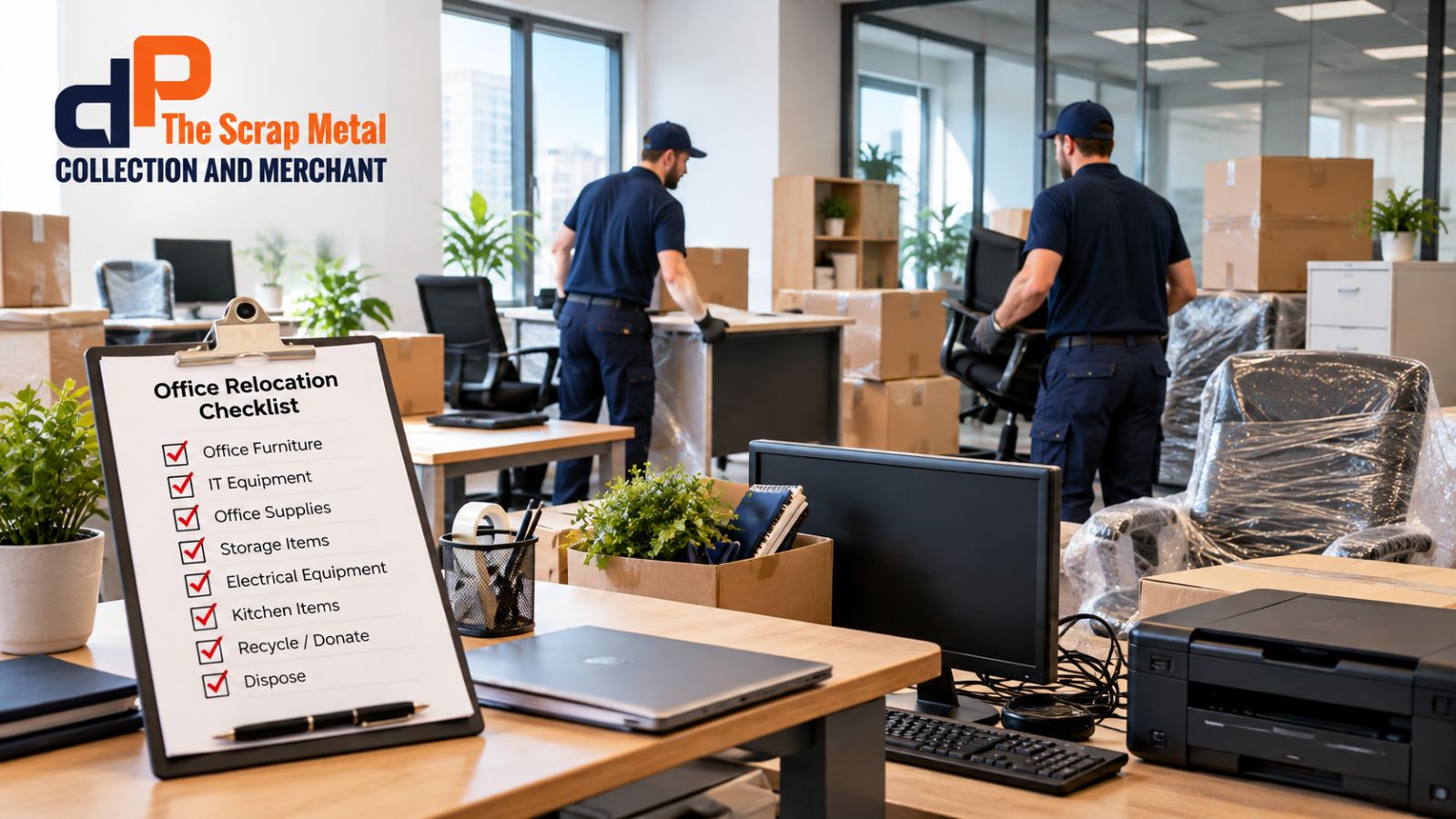
Office relocation requires proper planning since there are numerous things that you need to take care of. One of those things that businesses usually tend to forget while moving their office premises is what they can do with unwanted things.
Old tables, chairs, cupboards, computers, printers, cables, and other equipment might take up a lot of space. Also, it would not make sense to move them to the new place. There is a checklist for office furniture removal that might be helpful to you.
Prior to moving your office premises, go through each thing in your office and find out whether it is something you are going to keep or donate, recycle, sell, or dispose of. Professional office clearance service companies can also assist you in this matter.
An office move provides you with an opportunity to review your office. You might find some equipment that is not used anymore. Besides, you might have old furniture pieces, storage units, outdated electronic appliances, or even too many office supplies.
It would be extra work to move all of this. For example, an office with 20 desks may only need 14 desks at the new location. The remaining 6 desks may not need to move. A simple review can help reduce the amount of material that needs transport. It can also make the move more efficient.
Start with a list of everything in the office. Divide the inventory into simple categories.
You can use:
Record the quantity of each item.
For example:
| Item | Quantity | Action |
| Desks | 20 | Keep 14 |
| Office chairs | 24 | Keep 18 |
| Filing cabinets | 10 | Review |
| Computers | 15 | Keep 12 |
| Printers | 4 | Keep 2 |
| Old monitors | 6 | Recycle |
| Broken chairs | 5 | Dispose |
This simple list can make the clearance process easier.
Do not move items simply because you already own them. Look at the new office layout. Check the available floor space. Check the number of employees. Check storage needs. You may need fewer desks if the new workplace uses shared work areas.
You may also need different furniture because the new office has a different layout. Measure large items before moving them. This can prevent problems on moving day.
Old furniture can take up a lot of space.
This may include:
Some furniture may still be useful. You could donate or sell items that remain in good condition. Items that are broken or badly damaged might require another kind of disposal process. The office furniture removal service can be useful for large and heavy items that require leaving the office space.
Do not assume that old furniture needs to go. Check each item.
Ask:
For example, a desk with a small surface mark may still be useful. A chair with a broken base may not be suitable for continued use. Good planning helps you avoid throwing away useful furniture.
IT equipment needs careful handling.
This can include:
Do not simply place old electronics in general waste. Electronic equipment can contain materials that need suitable recycling or disposal. Before removing IT equipment, check whether the business needs to retain any data.
Data security is an important part of office clearance. Old computers and storage devices may contain business information.
This can include:
Before disposal, follow your organisation’s data handling procedures. Ask your IT team or relevant service provider how to handle storage devices. IT equipment disposal should include suitable attention to data security.
Printers can be large and difficult to move. Check which machines the new office actually needs.
You may find that your business has:
Some equipment may belong to a leasing company. Check ownership before disposal.
Office decommissioning involves preparing the old workplace for closure or handover. The exact work depends on the office and lease requirements.
You may need to remove:
Not everything needs to become general waste. Separate materials where possible.
Common recyclable materials may include:
Segregate different types of waste if your waste handler mandates it. There may be variations in recycling regulations in your area, so verify what applies to you. Local recycling rules can vary, so check the requirements that apply to your location.
Some office materials may contain sensitive information. Paper documents can contain confidential business or customer details. Do not place sensitive documents into an ordinary waste bin.
Use your organisation’s document destruction process. Secure disposal can help protect confidential information when unwanted materials leave the workplace.
Your business may have legal or contractual duties for certain records. Follow your record retention and destruction policies before disposing of documents. DP The Scrap Metal Collection and Merchant can help you with secure disposal.
Large furniture can be difficult to remove without the right equipment.
A professional office furniture removal service can help with:
Before booking, check what the service includes.
Ask whether the team will:
Clear information can prevent unexpected charges.
Some unwanted office furniture may still have value.
You may be able to:
For example, 8 unused office chairs may still be in good condition. Sending them directly to waste may not be the best use of those items. Review this office relocation guide before disposal.
Office moves can create a large amount of waste.
This can include:
Do not leave everything until the final day.
Create a simple schedule.
Start the inventory.
Identify unwanted furniture.
Review IT equipment.
Contact relevant service providers.
Separate items for recycling, donation, sale, and disposal.
Arrange furniture removal.
Confirm IT equipment handling.
Remove unwanted items.
Pack equipment.
Clear storage areas.
Check sensitive documents.
Complete a final walkthrough.
Check cupboards, storage rooms, meeting rooms, kitchens, and other areas.
Make sure nothing important remains behind.
An office clearance service that is carried out effectively may decrease the total number of items to be moved. Thus, it makes relocation easier. For instance, if there is 100 pieces of furniture and equipment in the office and 25 pieces are cleared out, then the movers will have to handle a lesser amount of items.
Businesses can make simple mistakes during an office move.
Moving every item can create unnecessary work.
Review the inventory first.
Old computers and cables can easily get overlooked.
Include them in the inventory.
Old storage devices may contain sensitive information.
Follow proper data handling procedures.
A large clearance can take time.
Arrange it early.
Some equipment may belong to a leasing company.
Check before disposal.
The old office may have specific handover requirements. Review the lease before removing fixtures or making changes.
Before leaving the old office, check these 10 key areas:
This checklist can help reduce last-minute problems.
A business office moving process provides you with an opportunity to examine everything your company owns. Items such as old furniture, unused equipment, damaged goods, and excessive waste do not have to be moved to the new office space. Firstly, create a list of items to be kept, reused, donated, recycled, or thrown away. Specialists in office clearance services may assist in clearing out the workplace.
An office furniture removal service will help to transport heavy items from one place to another. DP The Scrap Metal Collection and Merchant is a trusted company that can help you with office clearance.
Appropriate IT equipment disposal procedures should be applied to electronic devices. Materials that can be recycled should be recycled through an appropriate office recycling service.
It is important to note that office clearance involves more than simply disposing of unnecessary items. Planning, data protection, proper disposal, and preparing the old office are also required.
Start around 2–4 weeks before the move if possible. Larger offices may need more time. Early planning gives you time to sort furniture, IT equipment, documents, and waste.
Furniture may be reused, donated, sold, recycled, or disposed of. The best option depends on its condition and the available services.
Some providers offer IT equipment disposal, but services can vary. Ask the company what types of electronic equipment it accepts and how it handles data security.
Follow your business document retention and destruction policy. Confidential documents should not go into ordinary waste without suitable security measures.
Some furniture contains materials such as metal, wood, and certain plastics that may be recyclable. The recycling option depends on the item and local facilities.